Voxa
Make space for what is on your mind.
Voxa is a voice and text journaling companion that helps you turn everyday thoughts into entries you can return to. Speak or write, shape a draft and explore your entries in a mind map.
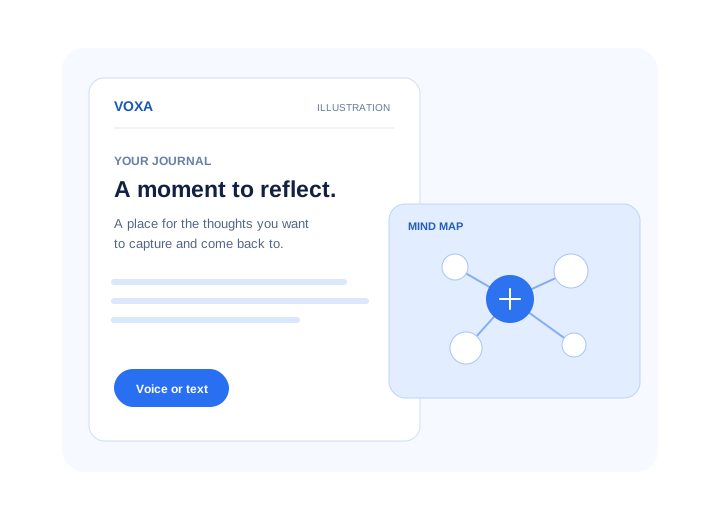
- Capture
- Voice or text
- Revisit
- Journal history and search
- Explore
- An interactive mind map
- Language
- English and Hinglish
A place to begin wherever you are.
Some thoughts arrive as a sentence. Others need a little more room. Voxa gives you a place to speak or write without needing to start with a finished entry.
With a configured AI provider, a conversational companion can help shape a draft. You can edit it before adding it to your journal.
Start with your voice, or find the words as you go.
Speak when a thought is easier to say than type, or use text when you would rather write. Voice capture requires microphone access and a supported speech service.
Voxa works with English and Hinglish. Hindi text is transliterated into Latin script. Configure an AI provider for conversational follow up, or start with a basic draft without one.
From a thought to a journal entry.
Capture a moment in the way that feels natural to you.
- 01
Speak or write
Share what is on your mind using voice or text.
- 02
Shape your entry
Edit your journal draft, with optional conversational help from a configured AI provider.
- 03
Return and reflect
Revisit your entries in history, search for a thought or explore your mind map.
Find your way back to a thought.
Your journal is more than a list of entries. Explore it by date, search for what matters to you and see entries grouped in a mind map.
- History
- Browse entries by date and see your activity over time.
- Search and organize
- Find entries and use moods, types and tags to make them easier to revisit.
- Mind map
- Explore entries grouped by tags, moods, types or dates in an interactive map.
- Daily reflection
- With an AI provider configured, generate a reflection on a day with journal entries.
Your journal can change with you.
Return to an entry to update it, mark it as a favorite or delete it. When an entry has previous versions, you can review its edit history and restore an earlier version.
Version history helps you revisit edits to an entry. Keep a separate backup as well if you want a copy outside your browser.
Your journal, with options to keep a copy.
Entries are stored in your browser. You can export a JSON backup and import it again, or configure a backup destination.
Clearing browser data can remove locally stored entries. Voice, AI features and optional backup may send information to external services.
Keep a copy in a way that works for you.
Your journal begins in your browser. If you want another copy, export your entries as JSON or configure one optional backup destination. These backups do not provide two way synchronization.
- JSON backup
- Export entries and import them later. Entries already present are skipped rather than updated.
- Notion
- Connect a Notion database to sync journal entries.
- GitHub Gist
- Choose GitHub to back up entries as Markdown in a secret gist.
- Discord
- Choose a Discord webhook as a destination for journal backups.
Questions people ask
What is Voxa?
Voxa is a journaling companion for capturing thoughts by voice or text and revisiting them through history, search and a mind map.
Can I edit a journal draft?
Yes. You can edit the draft before adding it to your journal.
Where are my entries stored?
Entries are stored in your browser. Keep a backup if you want a copy outside your browser, since clearing browser data can remove them.
Does Voxa send information to other services?
Voice and AI features can use external providers. Optional sync also sends information to the service you select.
Which languages does Voxa support?
Voxa is designed for English and Hinglish. Hindi text is transliterated into Latin script, and voice recognition depends on the speech service used.
Give your thoughts a place to land.
Explore a more thoughtful way to capture and revisit your days.
More from Vitraga Labs
View all products →News · Mobile app
Focal
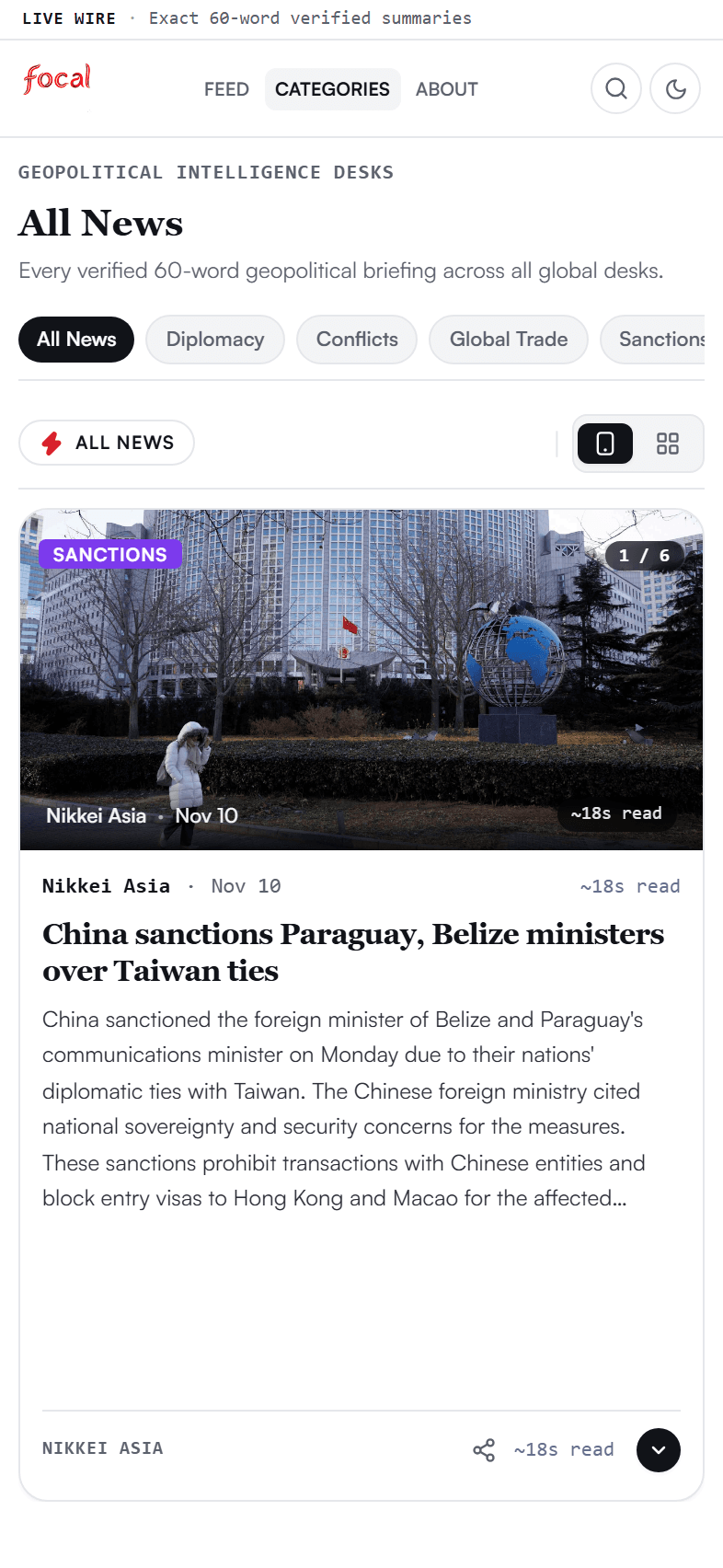
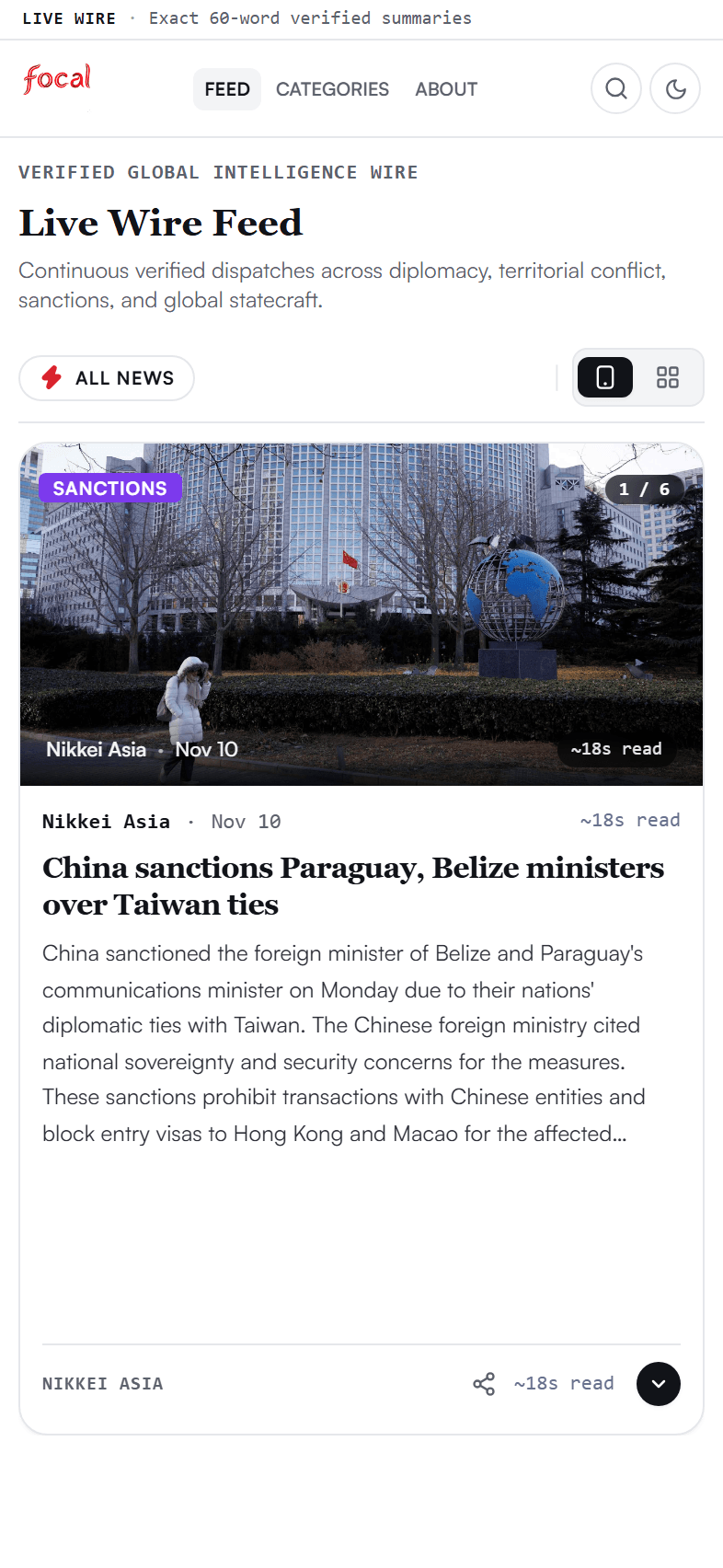
The world in 60 words. No filler. No clickbait.
Verified global news in exactly 60 words, with a link to the source on every story. Read the day’s briefs in under five minutes.
- 60-word briefs
- Source links
- Works offline
AI · News
Vyra
Know what shipped.
Short, clear briefings on AI and technology, with context and links to the original reporting.
- Short briefings
- Original sources
- Context included
Learning · Technology
Vitraga Academy
Learn by building.
Practical courses for people who want to learn, build and grow their technical skills.
- Technical courses
- Learn at your pace
- Practical exercises